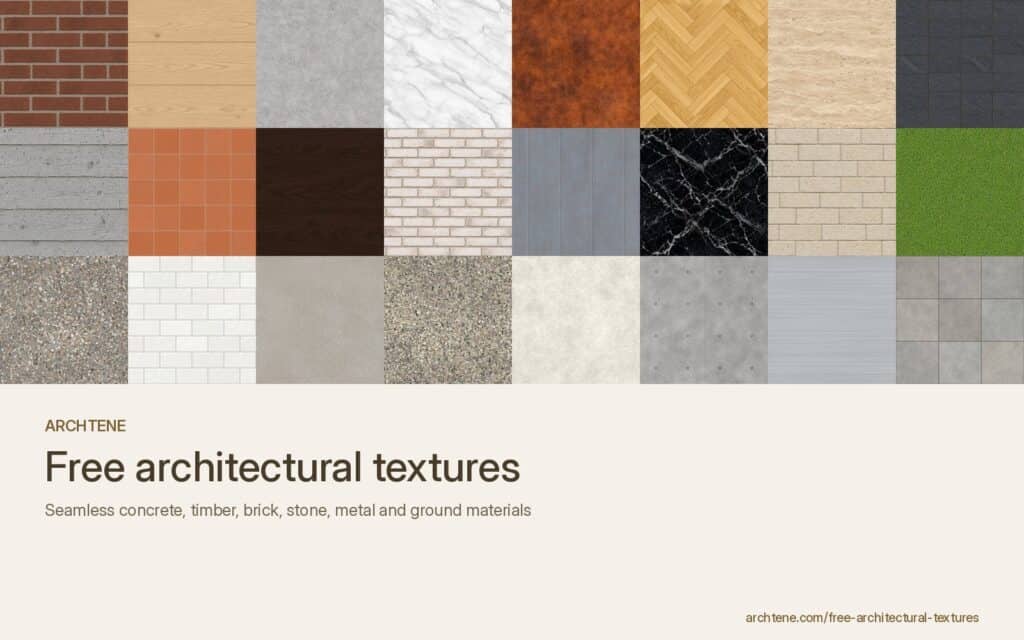
Materials are what make a render feel real. You can model a building perfectly and still end up with something that looks like plastic if the textures are stretched, repeating or the wrong size. This guide explains where to find good architectural textures and, more importantly, how to use textures in architectural renders and collages: tiling, real-world scale, seams and the small details that make materials believable.
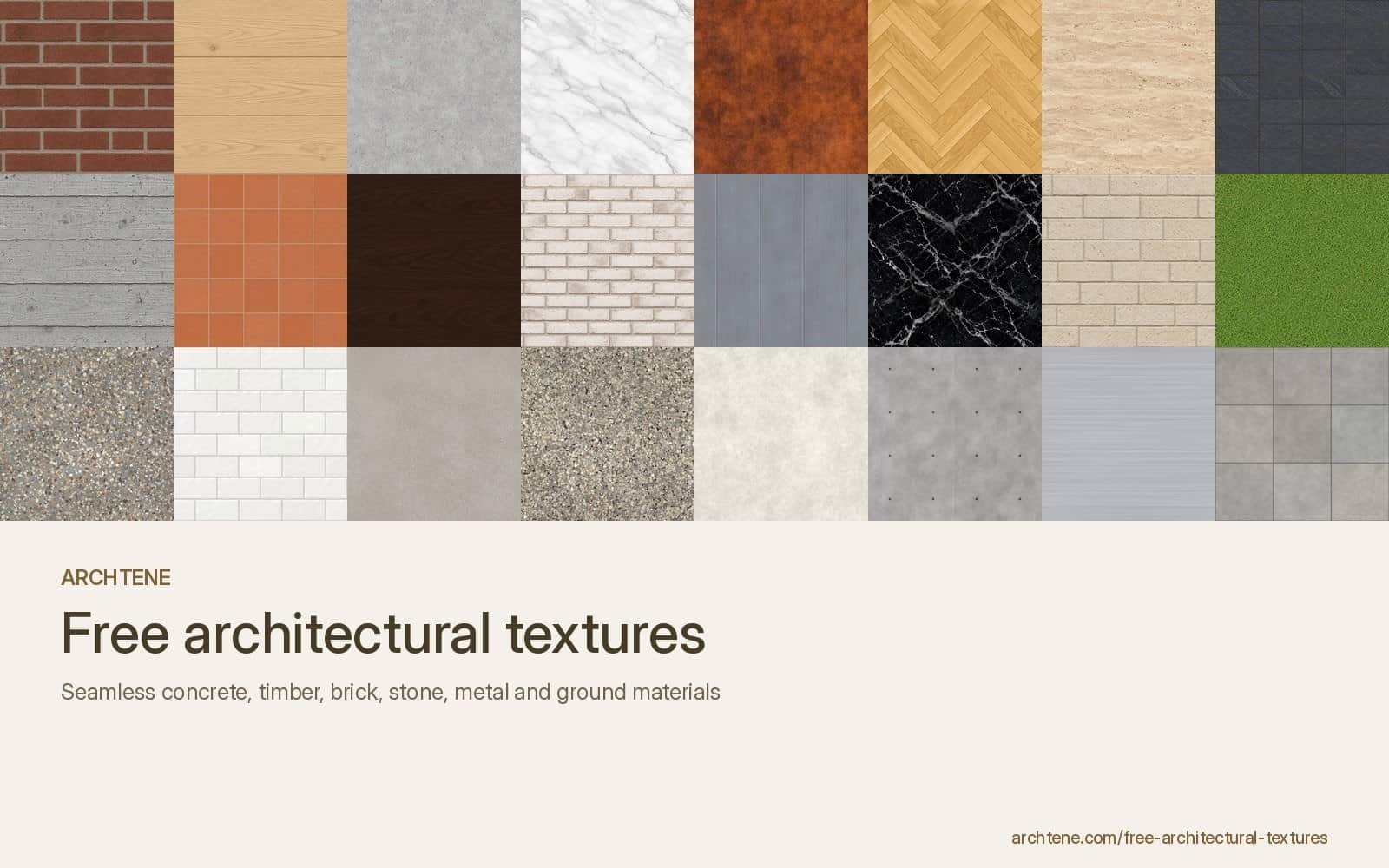
If you need materials to practise with, the Archtene texture library has free seamless concrete, timber, stone, brick, metal and landscape textures. The techniques below apply whichever library you use.
What are architectural textures?
Architectural textures are images of real surfaces (concrete, timber, stone, brick, metal, grass, paving) used to give a 3D model or a collage its material. In rendering software they are applied as texture maps on a material. In Photoshop collages they are clipped into shapes or masked onto facades.
A complete material usually has more than one map:
- Colour (albedo or diffuse): the visible colour and pattern, ideally without baked-in shadows.
- Bump or normal: fakes small surface relief, such as mortar joints or timber grain.
- Roughness (or glossiness): controls how sharp or blurred reflections are. This map does more for realism than most students expect.
- Displacement: actually moves geometry, for deep relief such as rough stone or gravel.
Where can you find free architectural textures?
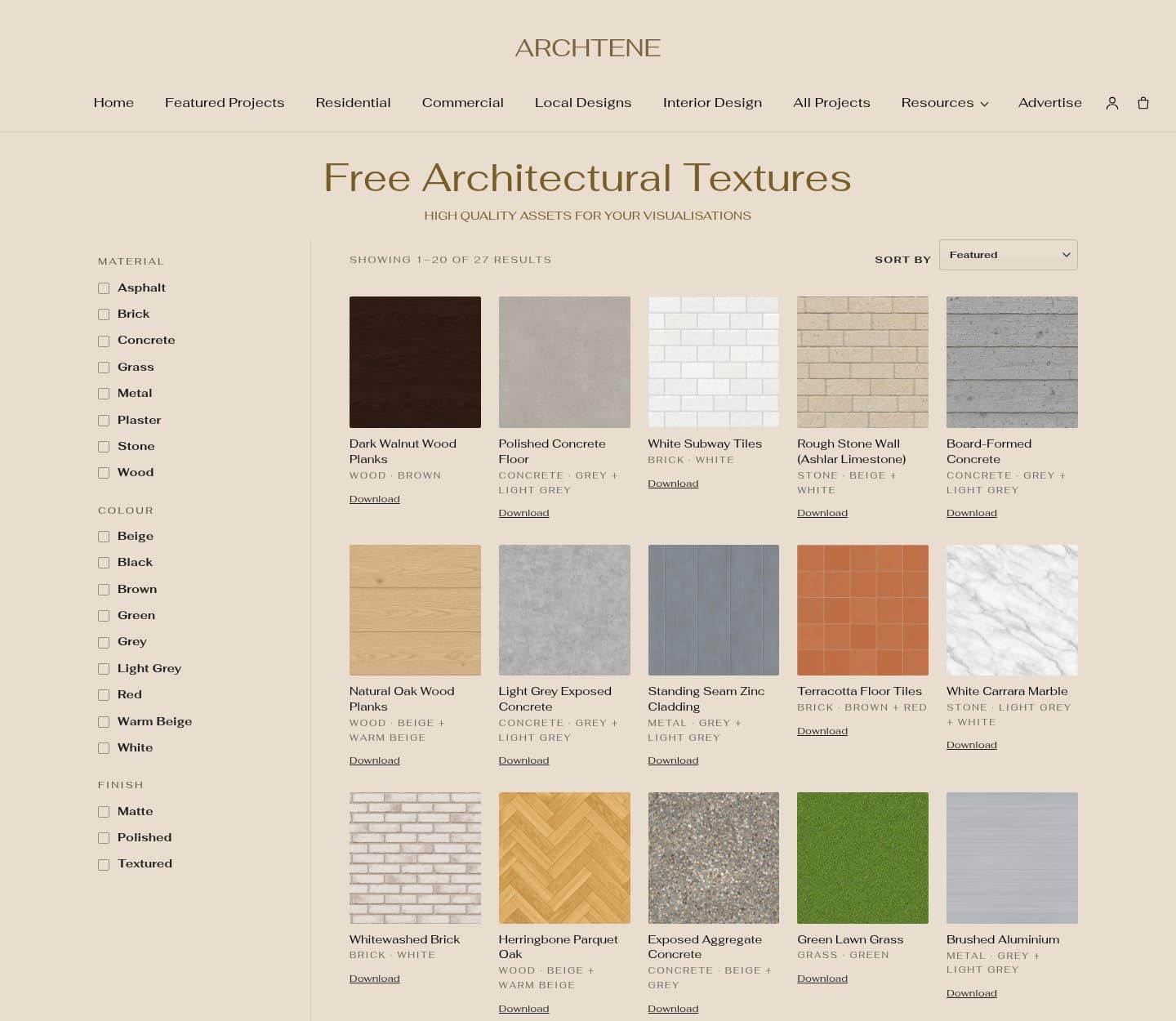
- Archtene texture library. The free architectural textures page covers common architectural materials such as light grey exposed concrete, natural oak planks, red clay brick and white Carrara marble.
- Open PBR libraries. Sites such as Poly Haven and ambientCG offer free, CC0 PBR materials with colour, normal and roughness maps.
- Manufacturer downloads. Brick, tile and cladding suppliers often publish texture files of real products. These are great when your project specifies a real material.
- Your own photos. Photograph a surface straight on, in even overcast light, with a ruler or known object in the frame for scale.
Whatever the source, check three things: the licence allows your use, the resolution is high enough for the closest view in your render (2K for most surfaces, 4K for close-ups), and the texture is genuinely seamless.
How do you choose the right texture for a material?
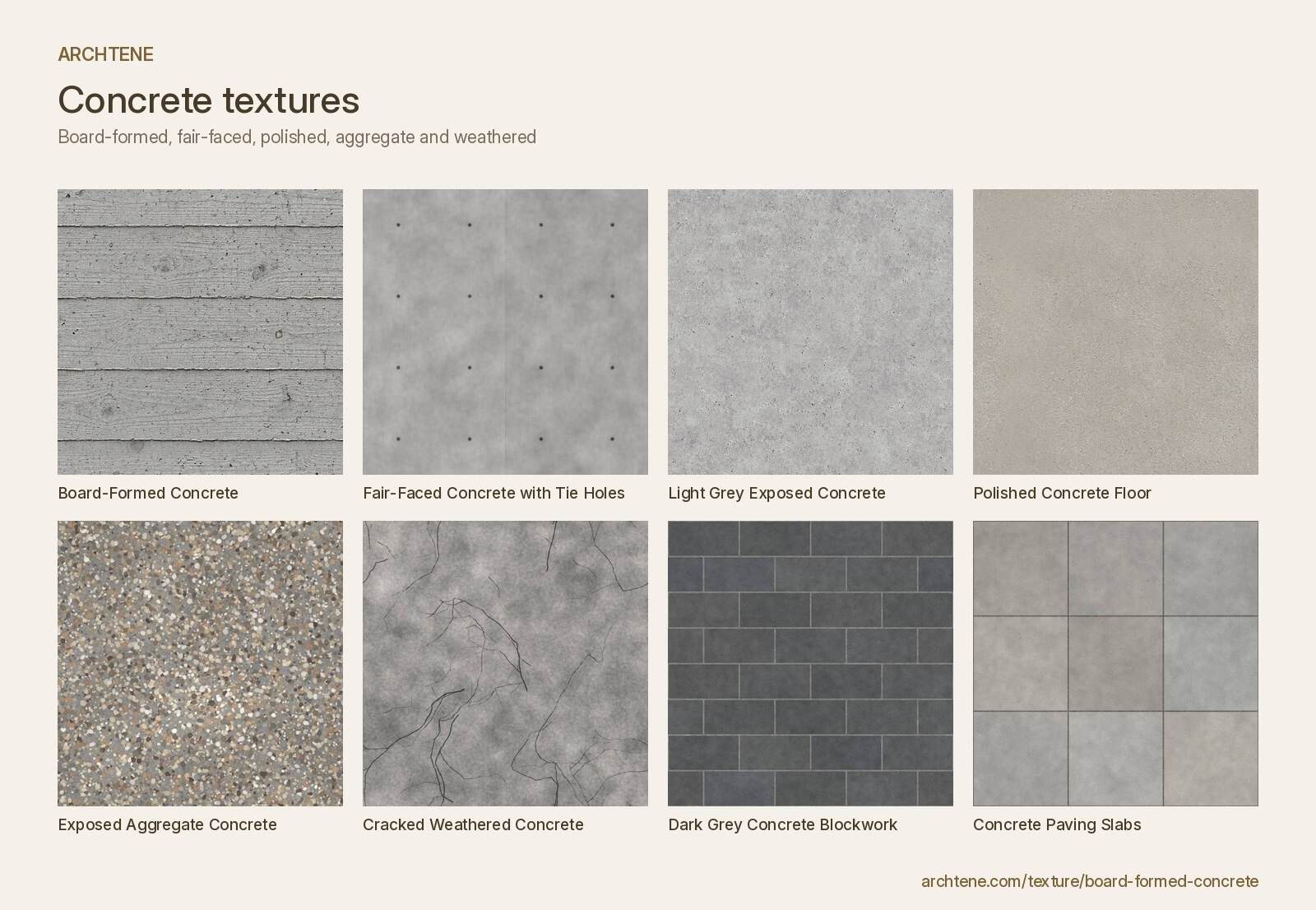
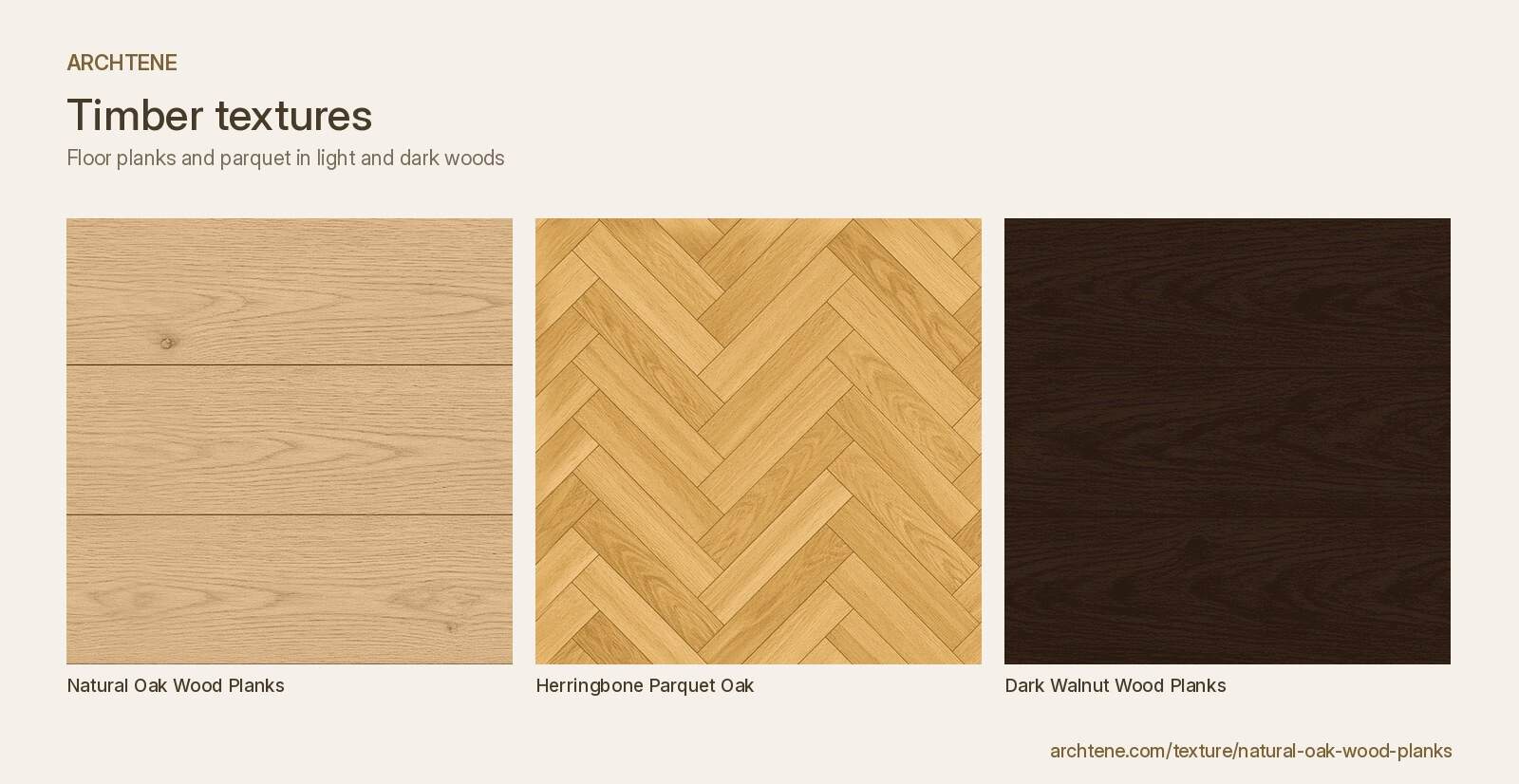
Start from the real material, not the nicest image. A board-formed concrete wall needs board-formed concrete, not a generic grey; a concrete wall with tie holes reads completely differently from polished concrete flooring. Ask how the material is made and installed, and pick a texture that shows that: board widths, brick bond, stone coursing, panel joints.

How do you set the correct texture scale?
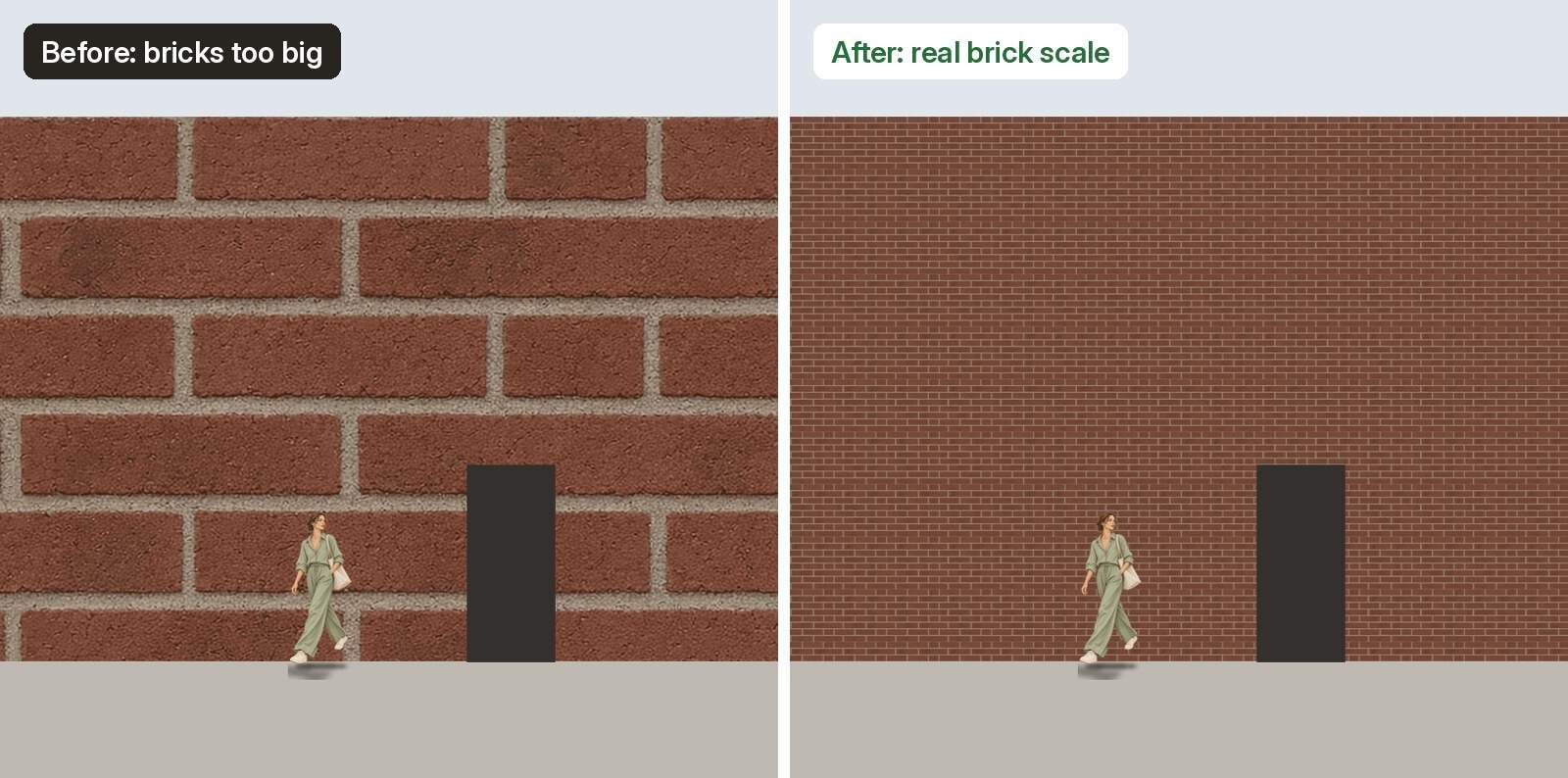
Texture scale is where most student renders go wrong. A brick that is twice its real size makes a house look like a doll’s house; a tiny one makes it look like a tower. Always map textures to real-world dimensions.
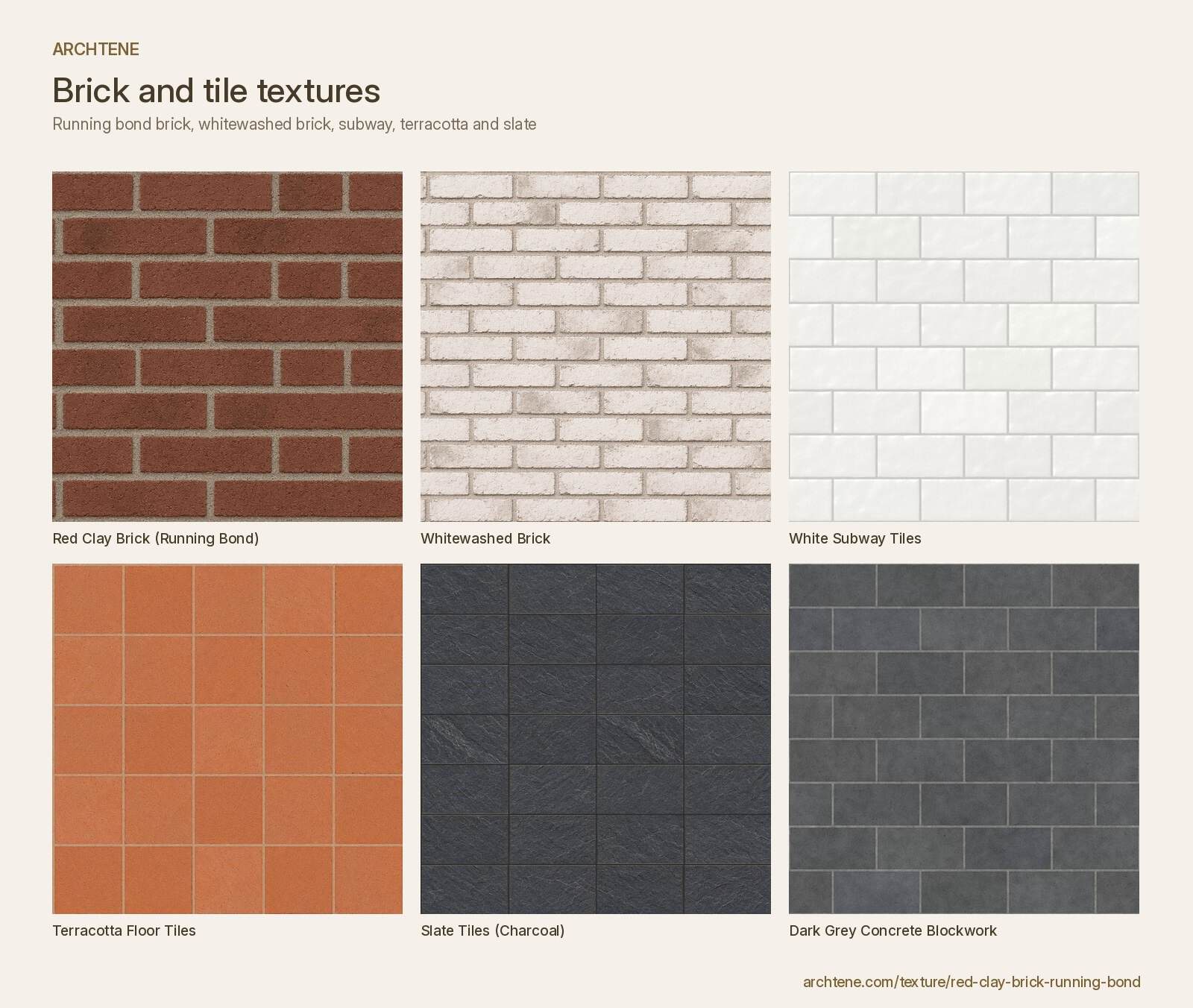
- Find out what real size the texture represents. Good libraries state it (for example 2 m × 2 m). If not, count features: a standard Australian brick is 230 × 76 mm with 10 mm joints, so a texture showing 8 courses is about 690 mm tall. Use the red clay brick running bond texture to practise.
- Use real-world mapping in your software (in SketchUp, set the texture size in the Materials panel; in Rhino, V-Ray, Enscape, Twinmotion or Blender, use box or tri-planar mapping with real units).
- Check against something with a known size, such as a 2,040 mm door, a 1,000 mm balustrade or a person.
- Remember timber boards, tiles and paving all have standard sizes. Concrete paving slabs are often 600 × 600 mm, and white subway tiles are usually 75 × 150 mm.
How do you tile textures without visible repetition?
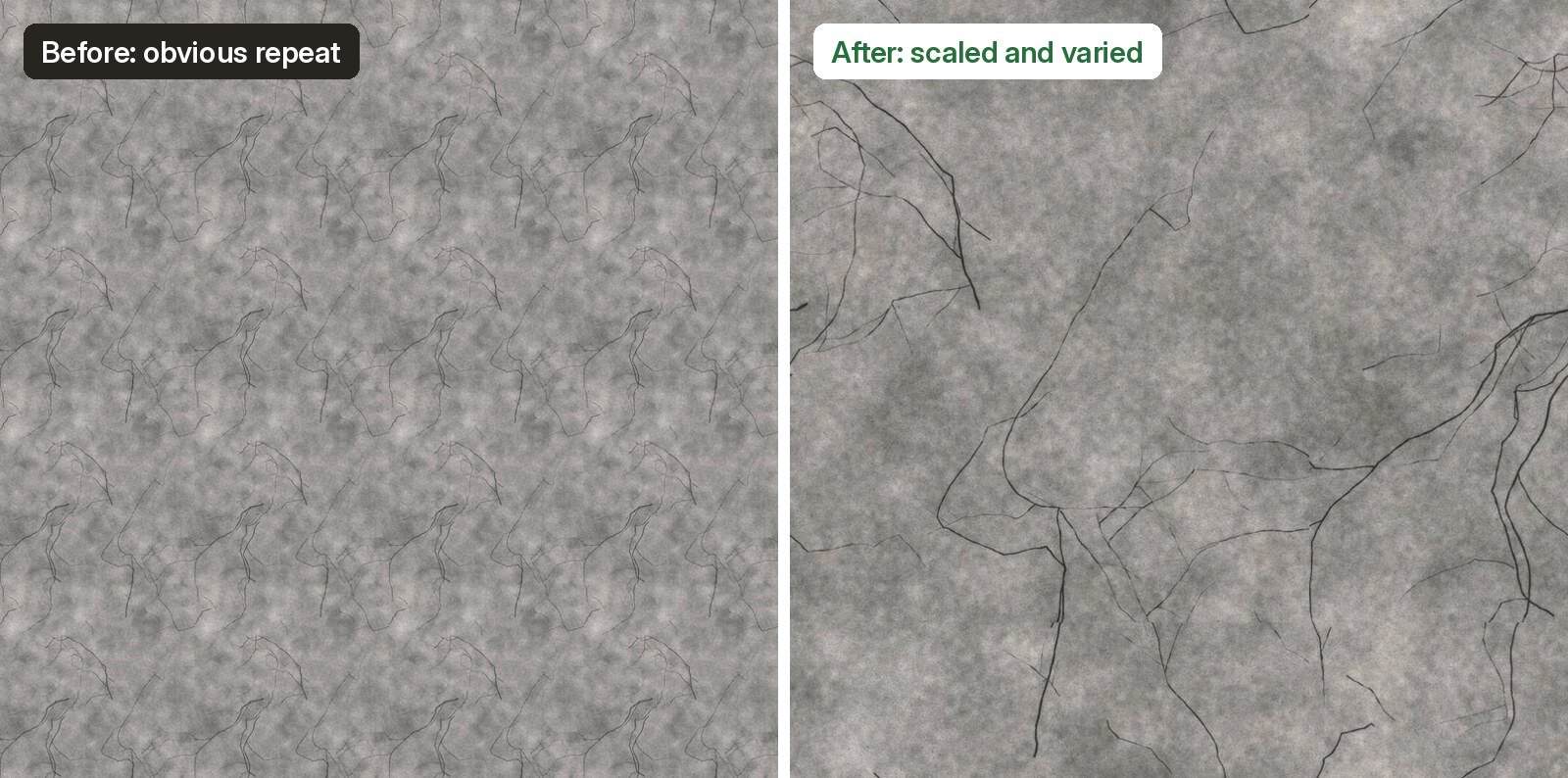
A seamless texture tiles without hard edges, but it can still repeat obviously across a large wall. Your eye spots the same dark stain or knot again and again. To break that up:
- Use larger source textures for big surfaces, so each tile covers more area.
- Rotate or offset the mapping on different faces so patterns do not line up.
- Blend two textures with a large, soft noise mask, for example clean and weathered concrete.
- Add a dirt or variation layer at a much larger scale than the base texture. Real walls are darker near the ground and streaked under sills.
- Let geometry break it up. Windows, planting and shadows hide repetition naturally.
How do you hide seams in textures?
Seams appear where a texture meets itself badly, at a corner or where two mapped faces meet. Fix them at the source and in the scene.
- If a texture is not seamless, use Filter > Other > Offset in Photoshop (half the width and height), then clone or heal the visible cross in the middle.
- Use box or tri-planar mapping so textures wrap continuously around corners.
- Align joints to geometry: start a brick course or board at the base of a wall, not halfway through a unit.
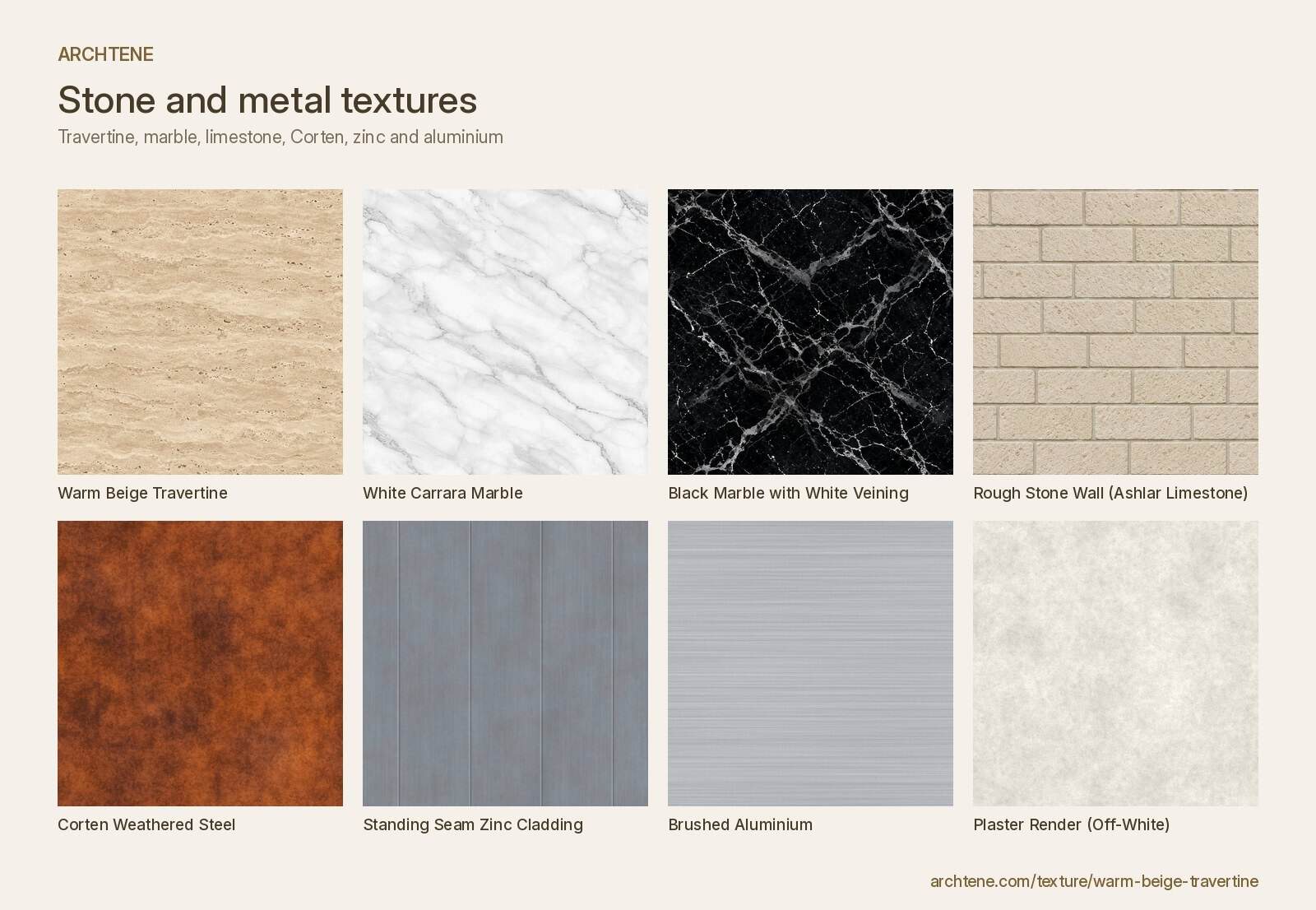
- For stone and marble, avoid perfect mirroring. Real veining in black marble with white veining runs continuously, so use larger slabs or book-match deliberately.
.jpg)
How do you make materials look realistic in renders?
Realism comes less from the colour map and more from how light behaves on the surface.
- Never set roughness to zero. Almost nothing is a perfect mirror. Polished stone might be 0.1 to 0.2, matt render 0.8 or higher.
- Use a gentle bump or normal map. Too strong and concrete looks like a sponge. Check at the camera distance you will use.
- Remove baked shadows from the colour map. Strong shadows in a texture fight with your scene lighting. Flat, evenly lit textures such as plaster render off-white are easiest to light.
- Add edge wear and weathering. Materials such as Corten weathered steel and standing seam zinc change with age; a little streaking makes them believable.
- Keep colours slightly desaturated. Real materials are rarely as bright as a texture preview.
- Light the scene properly. An HDRI sky and a sun at a believable angle reveal texture far better than flat default lighting.

How do you use textures in an architectural collage?
In a Photoshop collage the aim is different: suggest the material clearly rather than simulate light perfectly. Use textures such as warm beige travertine or natural oak planks as fills inside elevation or perspective shapes.
- Draw or import the facade line work and select each material area.
- Place the texture above, clip it to the shape (Alt-click between layers) and scale it to the drawing scale.
- Use Edit > Transform > Perspective or Distort to follow vanishing lines in a perspective view.
- Set the texture to Multiply or Overlay over a flat base colour to keep it graphic.
- Add a soft gradient for shading and a shared colour grade so all materials feel part of one image.
- For ground planes, combine green lawn grass, gravel path and asphalt road, then add people and trees from the Archtene cutout library.

Step by step: applying a texture in a render
- Pick a texture that matches how the real material is made and installed.
- Download all available maps (colour, normal, roughness, displacement).
- Create a material and load each map in the correct slot, setting colour maps to sRGB and data maps (normal, roughness) to linear or non-colour.
- Map it with real-world scale and check against a known dimension.
- Rotate or offset to hide repetition and align joints with edges.
- Adjust roughness and bump strength at your camera distance.
- Add a large-scale variation or dirt layer.
- Test render, then refine. Compare to a real photo of the material.
Want more practice? Our guide to free architecture cutouts and how to use them covers the entourage side of the same render, and the shadows in architecture guide explains how light reveals texture.
Frequently asked questions
Where can I get free architectural textures?
Open PBR libraries, manufacturer downloads and your own photos are all good sources. The Archtene texture library has free seamless textures for common architectural materials such as concrete, timber, brick, stone and metal.
What resolution should architectural textures be?
2K (2048 px) is enough for most surfaces in a typical render. Use 4K for close-up views or very large uninterrupted surfaces.
Why do my textures look stretched or blurry?
Usually the mapping is wrong or the texture is scaled far beyond its resolution. Use box or tri-planar mapping with real-world units, and choose a higher-resolution texture for close views.
What is a seamless texture?
A seamless texture is edited so its edges match, letting it repeat across a surface without visible joins. It can still show repetition, so vary it with blending and dirt layers.
How do I make concrete look realistic in a render?
Use a texture that matches the finish, such as fair-faced concrete with tie holes or exposed aggregate, set roughness around 0.7 to 0.9, keep bump subtle and add large-scale staining near the ground and under openings.
Can I use the same textures in SketchUp, Revit and Blender?
Yes. Texture images are software-independent. You only need to set the real-world size and load each map into the right material slot in each program.
Build a material library you can reuse
A small, well-organised set of textures, sized correctly and named by material and real-world dimension, will save you hours on every project. Browse the free architectural textures on Archtene, start with the materials you use most and apply the steps above to make each one look real.

Recent Posts
How to Use Textures in Architectural Renders: Where to Find Them and How to Apply Them
Free Architecture Cutouts: Where to Find Them and How to Use Them in Renders
Architectural Diagrams: 15 Styles and Examples for Your Next Presentation