About Botanical Trees
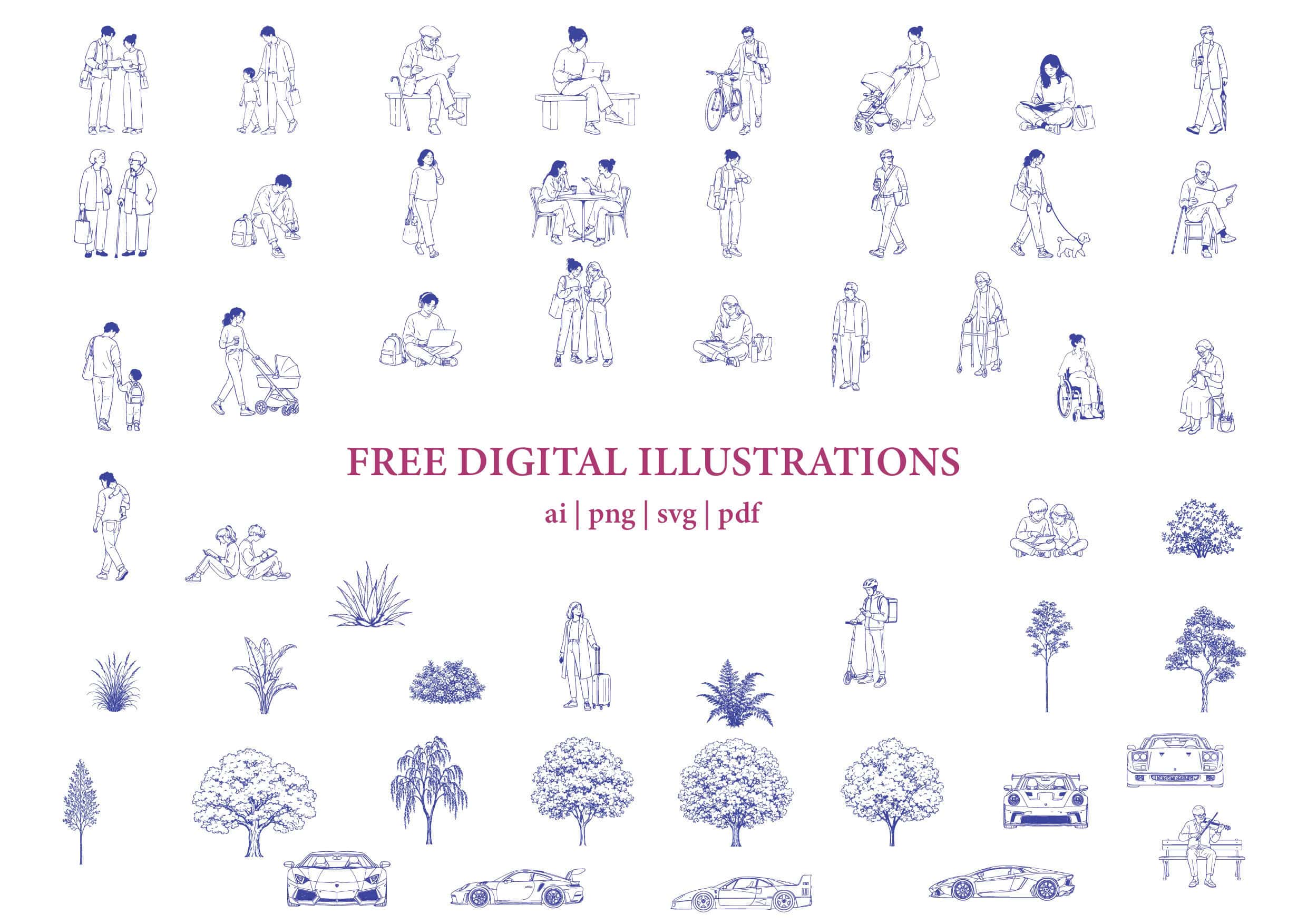
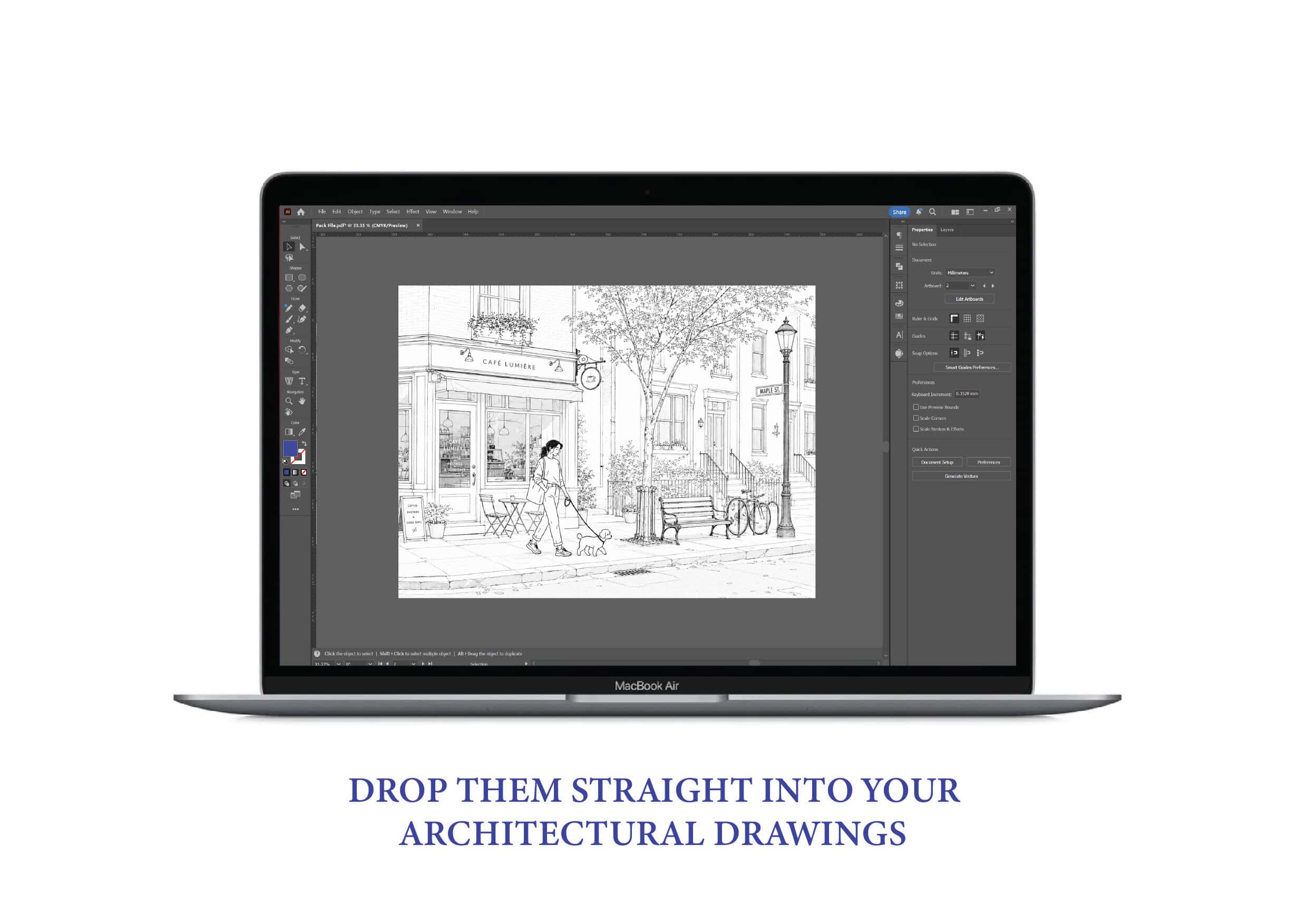
This cutout of Botanical Trees is a free Trees architectural cutout exported as a PNG file, made for drawings, diagrams, and presentation boards. If you’re assembling clean sheets in Photoshop, Illustrator, InDesign, or a post production workflow after Revit, this cutout of Botanical Trees adds scale, atmosphere, and context without competing with your linework.
This asset is particularly useful in Elevation views where readability matters. A well placed cutout helps viewers instantly understand proportion and makes your composition feel lived in. Because this cutout of Botanical Trees is already isolated and ready to drop in, it speeds up iteration and keeps your graphic style consistent across plans, elevations, sections, and boards.
How to use this cutout in your drawings
A simple way to use this cutout of Botanical Trees is to place it at entries, circulation points, lobby thresholds, and other moments where viewers naturally judge scale. If you’re making a collage or concept board, align the cutout first to a floor datum or strong vertical, then adjust tone and contrast so it feels integrated into the composition.
Best practice tips for architectural cutouts
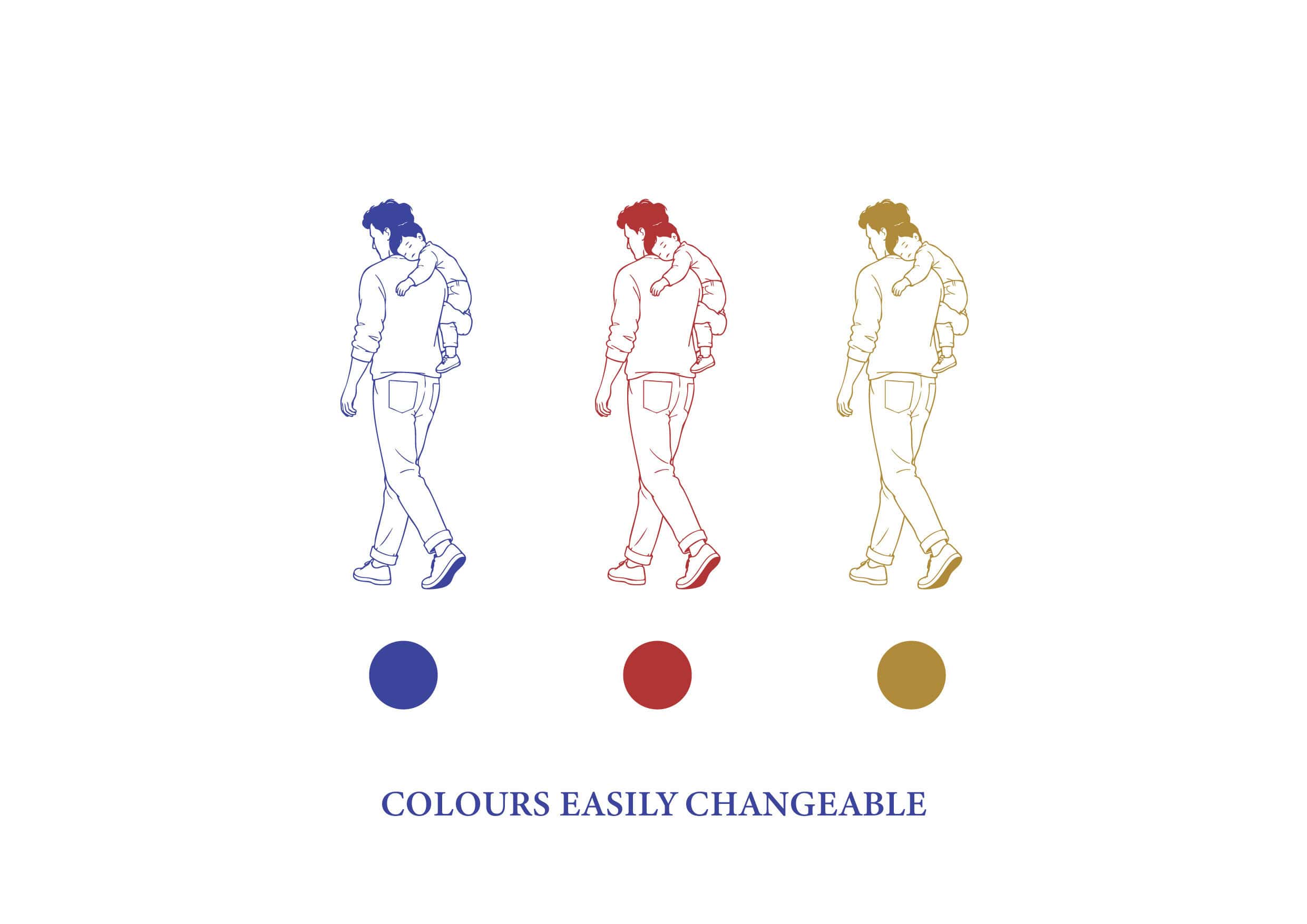
- Match contrast: lightly reduce contrast or saturation so the cutout supports the drawing rather than dominating it.
- Use consistent scale: reuse a small library of cutouts so proportions feel coherent across the sheet set.
- Tell a story: one figure can suggest calm, while a cluster suggests activity and density.
- Keep edges clean: subtle grounding or contact shadowing helps the cutout sit properly.
Why building a cutout library matters
The advantage of a strong cutout library is not just aesthetics but consistency and speed. When you build a small library of matching styles like Artistic and dependable formats like PNG, your boards feel more cohesive from project to project and your architecture remains the hero.
Quick FAQ
Is this free to use?
Yes. You can download and use this cutout of Botanical Trees in student work, portfolios, and presentation material.
What software does it work with?
Photoshop, Illustrator, InDesign, PowerPoint, Keynote, and most post production workflows.
What file format is it?
PNG.